


Rea: Reverse Engineer Anything With Ai Agents And Mcp
MP4 | Video: h264, 1920×1080 | Audio: AAC, 44.1 KHz, 2 Ch
What you’ll learn
Install and configure REA using MCP to connect AI agents like Claude Code, Codex, and Cursor to reverse engineering tools.
Explain REA’s architecture, including the MCP server, provider abstraction layer, and the core evidence model.
Analyze native binaries using Hopper, Ghidra, or IDA to extract pseudocode, assembly, strings, and cross-references.
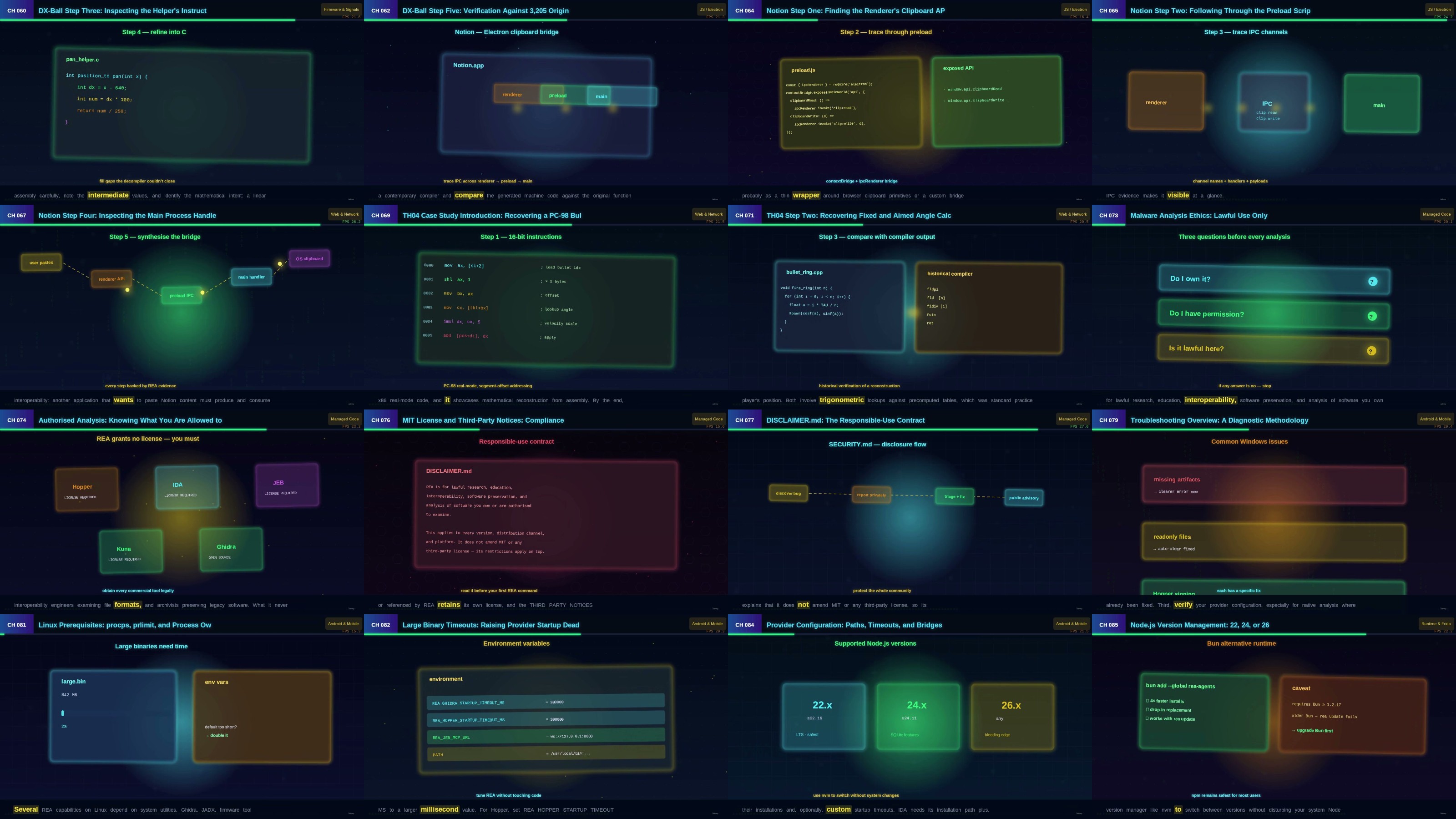
Trace features across Electron apps statically by mapping the renderer, preload scripts, and main process boundaries.
Inspect network captures (HAR, mitmproxy), SQLite databases, and specialized formats like .NET assemblies and Android APKs.
Evaluate REA’s evidence-backed findings by distinguishing between observed facts, agent inferences, and explicit unknowns.
Reconstruct software features using a five-stage pipeline, applying methods from case studies like DX-Ball and Notion.
Implement secure runtime analysis practices, use disposable environments, and navigate legal and licensing boundaries.
Requirements
No prior reverse engineering experience needed. Basic command-line familiarity, Node.js installed, and an AI coding agent (like Claude Code) are helpful.
Description
Developers, security researchers, and students curious about using AI agents and MCP to understand how software works without source code.

RapidGator
https://www.keeplinks.org/p27/6af2ec26b3d0c
DDownload
https://www.keeplinks.org/p27/6af2ec9446778
NitroFlare
https://www.keeplinks.org/p27/6af2ed9eeddde
Scrivi un commento